Budget Tracker
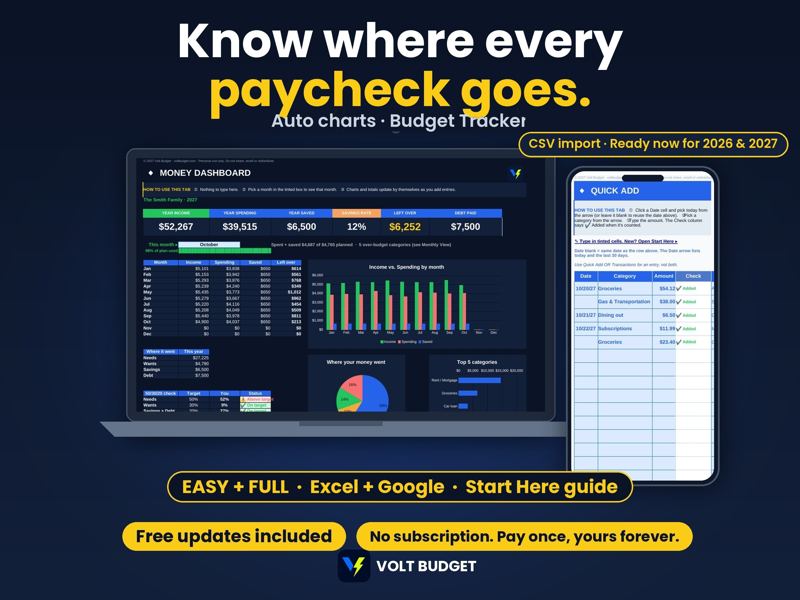
Know where every paycheck goes. Paycheck and monthly budget with a dashboard and auto charts.
$6.99Buy on Etsy
Volt Budget makes easy budget planner spreadsheets for Microsoft Excel and Google Sheets. Easy and Full versions both included, beginner to pro. Import your bank file and watch your budget fill itself in. Get more for your money. No subscription. Pay once, yours forever.
See the plannersVisit our Etsy shopEvery planner comes as an Excel file and a Google Sheets copy, so it works on Windows, Mac, phone and tablet.
Beginner to pro in one purchase. EASY has big text, yellow type-here boxes and examples. FULL adds extra tabs for spreadsheet pros.
Dashboards and charts update as you type, so you can see where every dollar goes.
Paste your bank's CSV export and transactions sort into categories automatically (works best in Excel).
Totally optional. There's no AI inside Volt, and your numbers stay in your own file unless you choose to share them. If you like AI, built-in prompts help ChatGPT or Grok explain your numbers. Share totals, not account numbers.
No subscription and no monthly app fee. Free updates for the life of the product.
Know where every paycheck goes. Paycheck and monthly budget with a dashboard and auto charts.
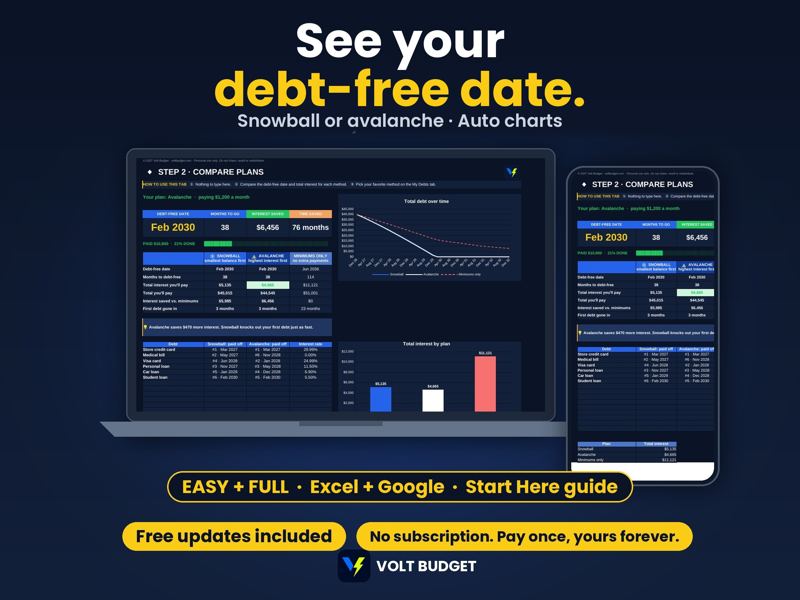
See your debt-free date. Debt snowball planner and credit card tracker with a payoff chart.
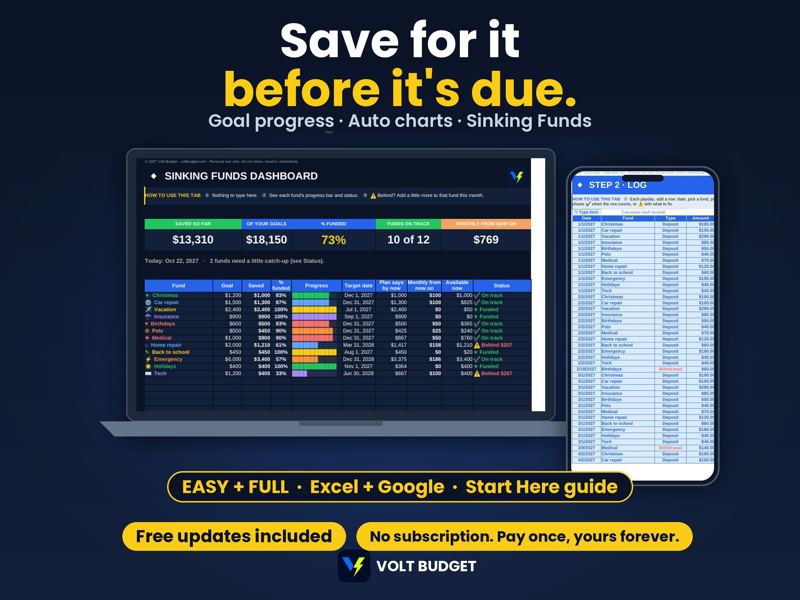
Save for it before it is due. Savings goals with progress bars that fill in automatically.
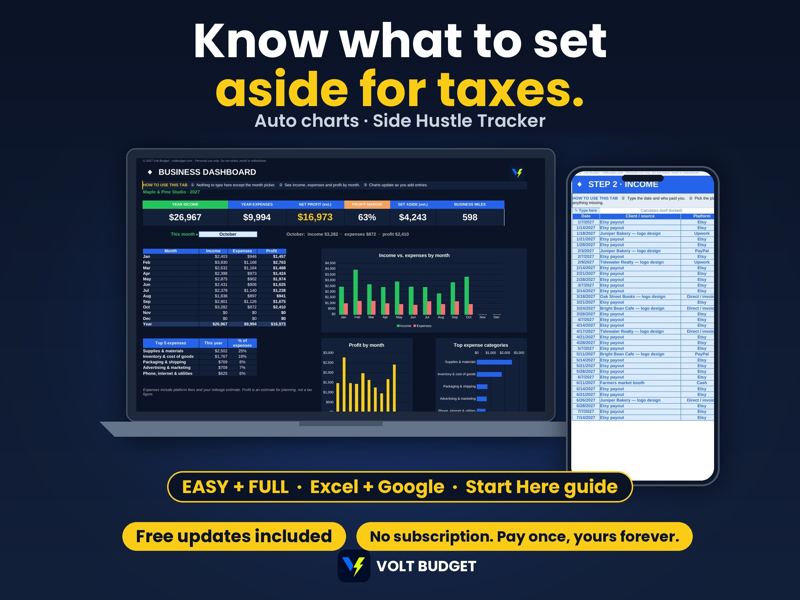
Know what to set aside for taxes. Income, expenses and mileage with an income vs expense chart.
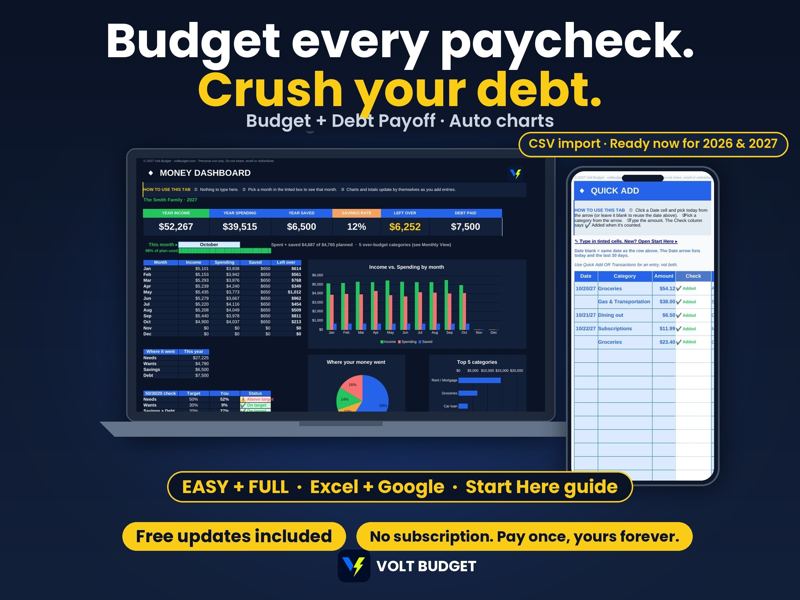
Budget every paycheck and crush your debt. Budget Tracker + Debt Payoff Planner ($12.98 if bought separately).
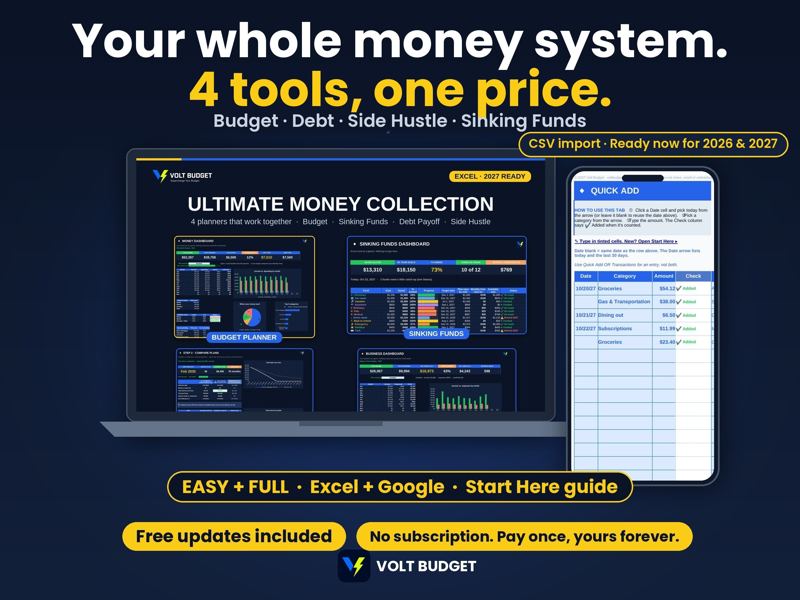
Your whole money system: Budget, Debt Payoff, Sinking Funds and Side Hustle. $19.99 vs $23.96 bought separately.

22-page budget binder: monthly budget, bill tracker, debt payoff, sinking funds and savings. Print it or fill it on screen.
Yes. The Excel files work in Excel 2016 or newer on Windows or Mac (or Microsoft 365), and Google Sheets works on any device. On a phone or tablet, use the free Excel or Google Sheets app. v1.1 adds bigger text and tips you can see right on the sheet.
You get both in one purchase. Use Excel if you have it (that's where bank CSV import works best), or use Google Sheets for free with a Google account: the instructions PDF has a one-click "Make a copy" link.
After you buy, go to You > Purchases and Reviews on Etsy and click Download Files. You'll get the Excel Edition ZIP, the Google Sheets Edition ZIP, the instructions PDF and the Guides & Bonus PDF.
Both are included. EASY is for anyone new to spreadsheets: big text, yellow type-here boxes and examples. In the Excel EASY files, formulas are protected from accidental changes. FULL is the same planner and math, with extra tabs for Excel pros, so you can move up whenever you're ready.
Yes. Paste your bank's CSV export and the transactions sort into categories automatically. This is called Bank CSV import (Excel), and we recommend Excel for it. The Google Sheets edition is built for typing in the yellow boxes.
Free updates for the life of the product. When there's a new version, go to You > Purchases and Reviews > Download Files on Etsy to get it. Your old files keep working, and the Move Your Numbers guide shows you how to bring your info over.
Because it's a digital download, refunds aren't offered and there are no returns or exchanges. If anything goes wrong, message us on Etsy or email voltbudget@gmail.com and we'll fix it.